Why I Built FetchMark: An Offline-First Read-Later Tool for Researchers and Developers
If you spend your days reading technical documentation, engineering blogs, and long-form research, you’ve likely experienced the frustration of saving a crucial link only to discover months later that the page was deleted, redesigned, or hidden behind a paywIf you spend your days reading technical documentation, engineering blogs, and long-form research, you've likely experienced the frustration of saving a crucial link only to discover months later that the page was deleted, redesigned, or hidden behind a paywall.
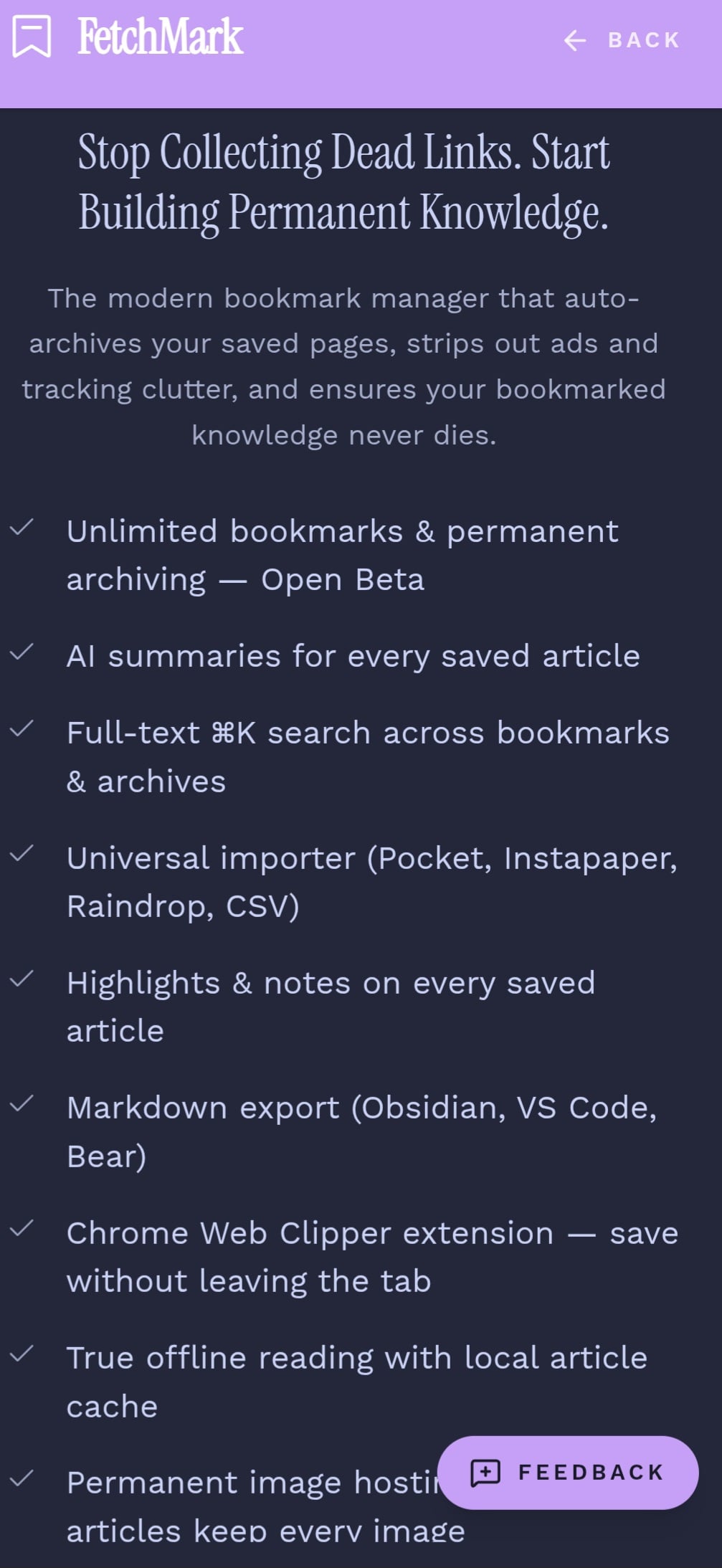
That exact pain point is why I built FetchMark — an offline-first read-later web application and browser extension designed to ensure your saved research never disappears.
The Problem with Traditional Bookmarks
Most standard bookmark managers are just glorified link lists. They store a URL, but the moment the source changes or goes offline, your reference is gone. As a developer, I wanted something more robust: a tool that captures the actual content, strips away the clutter with a clean reader view, and lets me access my library locally when I need it most.
How FetchMark is Built
When building FetchMark, I wanted to prioritize speed, data ownership, and a seamless cross-device experience.
- Frontend & UI: Built using modern JavaScript frameworks and designed with clean aesthetics (utilizing pastel themes like Catppuccin), featuring responsive layouts powered by rapid UI development tools like Lovable.
- Backend & Syncing: Powered by Supabase, utilizing Supabase Edge Functions to handle secure authentication and data management.
- Analytics: Integrated lightweight custom event tracking via Google Analytics 4 (GA4) to monitor key actions like browser extension installs, user signups, and bookmarks saved.
Launching the Browser Extension
A read-later app isn't fully useful without frictionless capture. To solve this, I built and published the companion extension — "FetchMark — Save to FetchMark" (v1.0.2) — now live on the Chrome Web Store.
With the extension installed, saving any web page takes a single click, immediately storing the content for full-text search, AI-assisted summaries, and clean Markdown exports.
Try the Open Beta
FetchMark is currently in Open Beta, and it is completely free to create an account and access core Pro features with no credit card required.
- Web App: Visit fetchmarkapp.com to create your free account.
- Extension: Head over to the Chrome Web Store to install the extension and start saving your research permanently.
I'd love for fellow developers and readers to try it out, break it, and share feedback. Let me know what you think in the comments below or join our community hub!
Launching on Product Hunt today — support here: producthunt.com/posts/fetchmark 🚀
About the author
- Developer & Builder. Currently building FetchMark - A clutter- Free Bookmark Manager (No AI, pure DOM parsing)
Comments
Join the discussionNo comments yet. Be the first to comment.